

What is Venice.ai?
Venice AI lets you create stunning images quickly with its user-friendly interface.
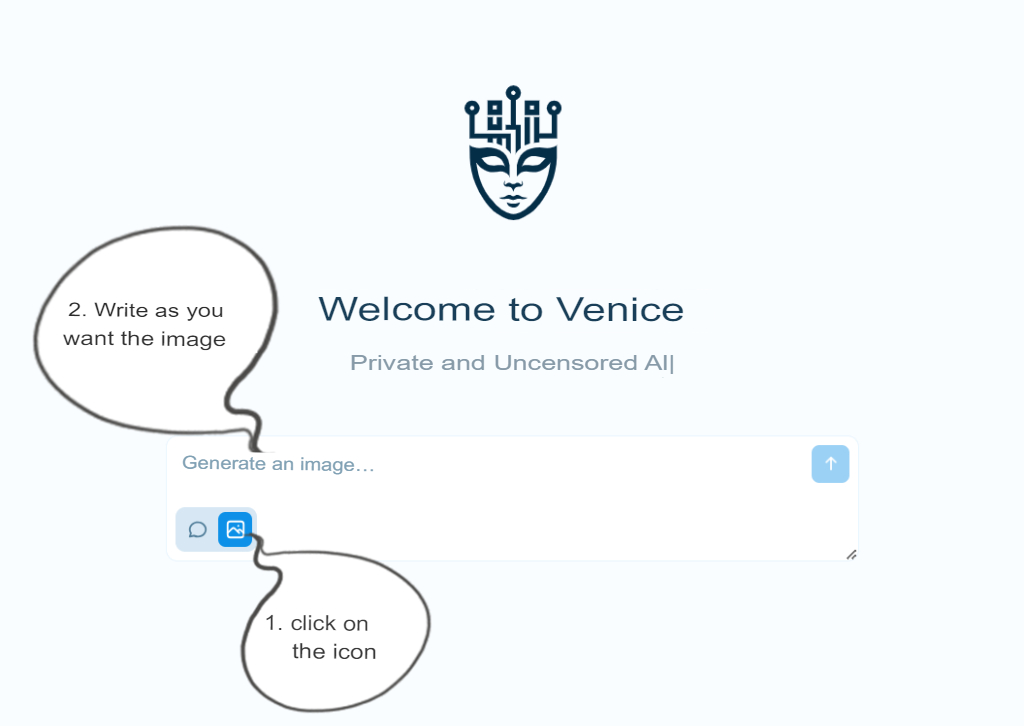
1. Login VENICE.AI
To enter artificial intelligence VENICE.AI we only have to go to the link https://www.venice.ai/
1. Click the Venice AI icon to activate the powerful image generation feature powered by artificial intelligence. With Venice AI, you’ll learn to create stunning visuals effortlessly through practical examples and comprehensive tutorials. Master AI-driven image creation for free and transform your creative ideas into reality!
2. Here we write how we want our image with AI.
Discover How to Create High-Quality AI Images with Venice AI
Important: The following examples are designed to guide users on how to write essential technical details when generating images. Our aim is to ensure that you can create functional, high-quality visuals with artificial intelligence. By following these steps, you'll learn what key information to include in your prompts and how to fine-tune settings for stunning results.
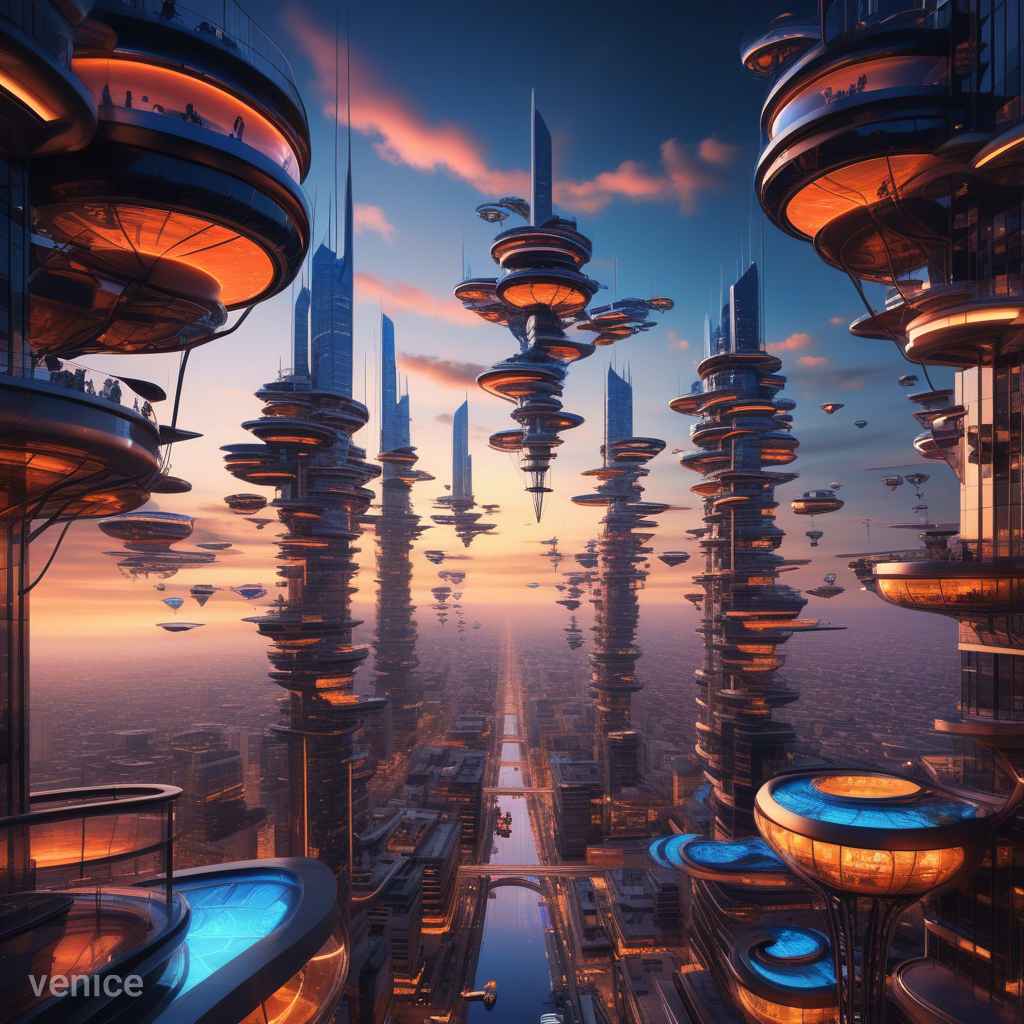
2. Step-by-Step Guide: How to Create a Stunning Futuristic Landscape Image Using Venice AI
Create a detailed description for your futuristic landscape image. For example:
“Generate a futuristic landscape featuring tall glass skyscrapers, flying vehicles in the sky, an orange sunset, and neon lights in shades of purple and blue reflecting on the streets.”
Step 2: Configure Additional Options
Adjust the following settings to enhance your image:
Artistic Style: Choose from options like realism, surrealism, or cyberpunk.
Resolution: Select your desired resolution, such as 1080p or 4K.
Visual Effects: Apply effects like depth of field, motion blur, or color grading.
Step 3: Generate the Image
Click on "Generate" and wait a few seconds for your stunning image to be created.

3. Ultimate Guide: How to Craft Your Own Captivating Fantasy Character Using Venice AI
Create a Stunning Fantasy Character with Venice AI: A Simple Step-by-Step Guide"
Step 1: Write Your Character Description
Simply input the following prompt:
“A warrior elf with silver hair, bright green eyes, golden armor with emerald accents, and a magical sword emitting blue light, standing in a mystical forest illuminated by fireflies.”
Step 2: Choose Your Visual Style
Select from various options such as "realistic," "anime," "fantasy," or any other available styles to enhance your character’s appearance.
Step 3: Adjust Details as Needed
Before generating the image, feel free to add specific details or tweak configurations to achieve the best results.
Step 4: Generate and Save Your Image
Once you are satisfied with your description and settings, simply click “Generate” and save your stunning fantasy character image!
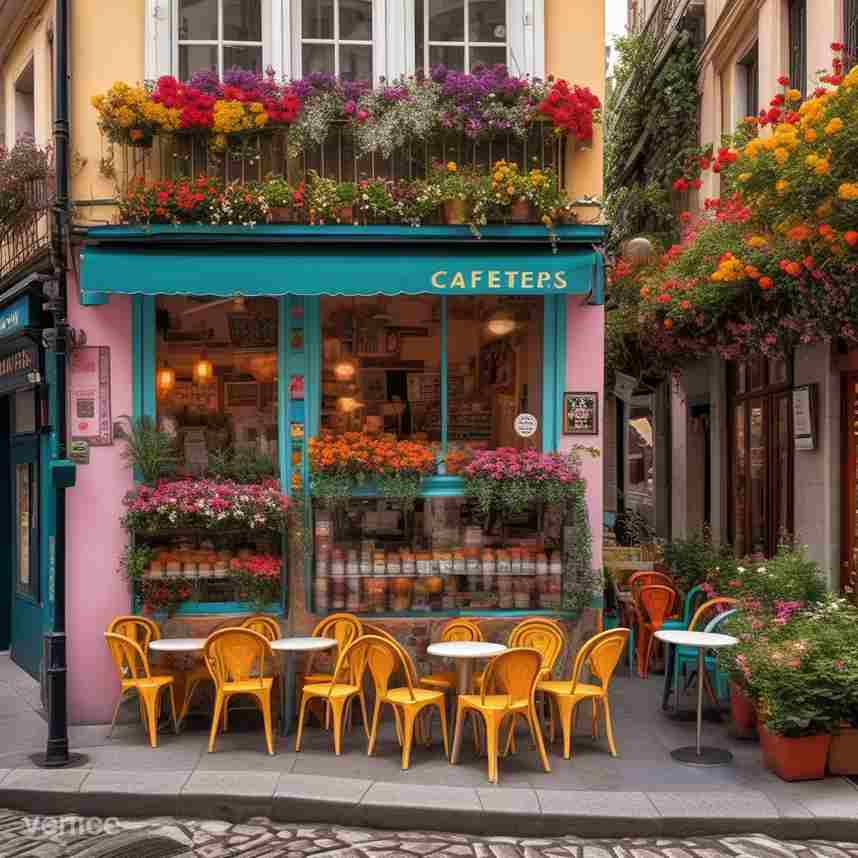
4. Example: Stunning Illustration of a Charming European Café for Your Creative Projects
Step 1: Write Your Descriptive Prompt
Simply input your vision for the illustration:
“I would like an illustration of a cozy café located on a cobblestone street corner in a quaint European town. The façade should feature warm colors with large windows and a terrace overflowing with flowers. I envision vintage-style tables and chairs adorned with red and white checkered tablecloths. There should be steaming coffee cups on some of the tables and people enjoying the ambiance. The sky is clear, reflecting a light blue in the windows, with an antique bicycle leaning against the entrance.”
Step 2: Select Your Visual Style:
Directly choose your preferred settings:
Style: Oil painting / Classic illustration
Tones: Warm colors, soft details, vintage aesthetic
Texture: Brushstroke effect for an artistic and inviting appearance
Step 3: Adjust Additional Settings and Effects
Customize further by specifying:
Resolution: Medium to maintain the painting style
Lighting Effects: Soft natural light that highlights reflections in the windows and creates subtle shadows
Angle: A slightly elevated perspective for a better view of the terrace and street
Step 4: Generate, Refine, and Adjust Your Illustration
After generating the image, review the details. You can request adjustments if something doesn’t align with your vision, such as changing the color of the chairs or repositioning elements.
Step 5: Save and Export Your Final Illustration
Once you have the perfect illustration, save and download it in your preferred format!
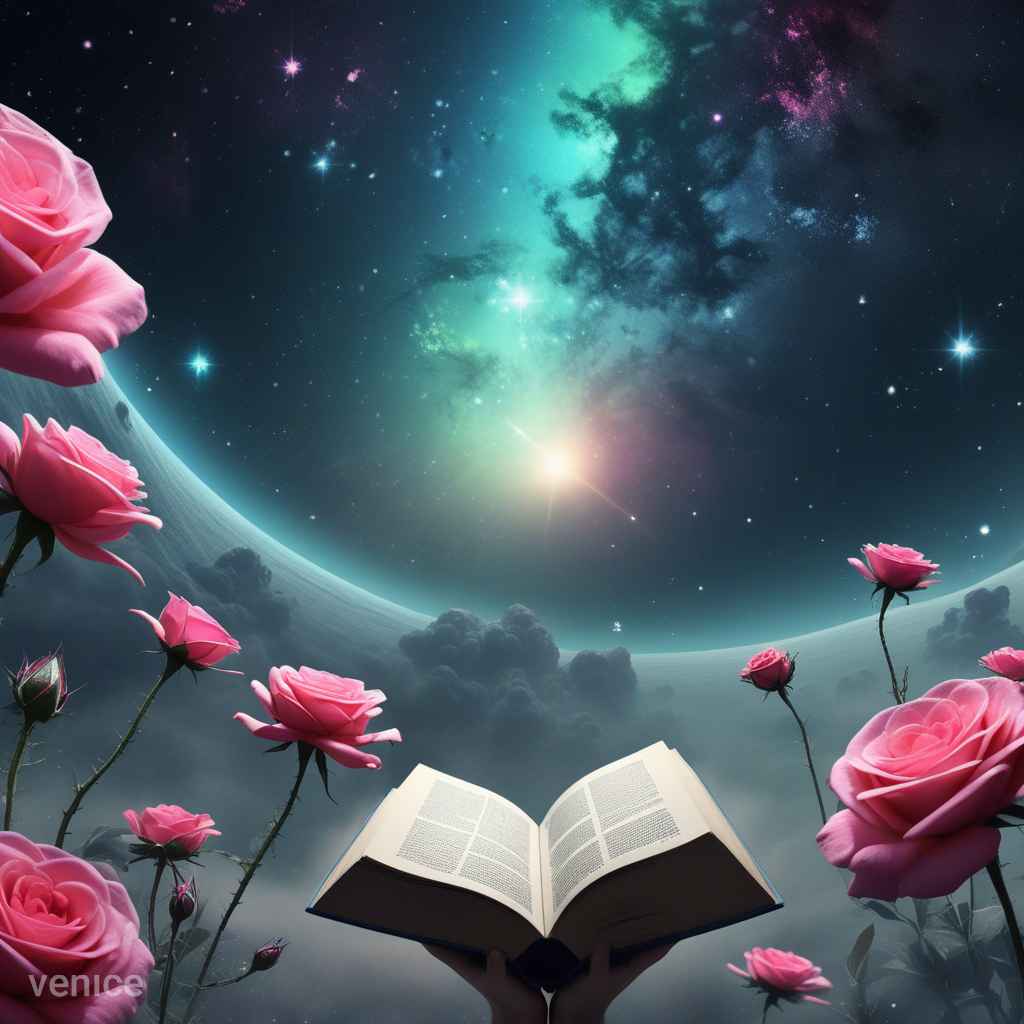
5.Example: How to Create an Eye-Catching Sci-Fi Book Cover with Venice AI
Create a Stunning Sci-Fi Book Cover for 'Beyond the Stars' Using Venice AI: A Simple Step-by-Step Guide"
Step 1: Write Your Book Cover Description
Simply input the following prompt:
“I want to design a cover for a sci-fi book titled 'Beyond the Stars.' The image should depict an alien planet with a sky of vibrant colors (pink, blue, and green). In the foreground, an astronaut floats in a futuristic spacesuit, gazing at a horizon filled with strange mountains and glowing vegetation. In the background, spaceships fly among bright stars. I would like the book title at the top in a futuristic font that glows slightly.”
Step 2: Choose Your Visual Style
Directly select your visual settings:
Style: Sci-Fi / Digital Art
Tones: Bright and saturated colors with neon effects
Texture: Smooth and polished, with well-defined details in the space and the spacesuit
Step 3: Adjust Additional Settings
Specify the following configurations:
Resolution: High, to ensure all details are crisp for printing
Composition: Position the astronaut centrally, with spaceships in the background to create depth
Lighting: Include an effect that simulates twinkling stars and reflects light on the spacesuit
Step 4: Generate and Review Your Image
Once generated, check if the planet meets your desired features and if the astronaut is correctly positioned. You can make adjustments if needed, such as changing the color palette or adding more elements, like alien creatures in the background.
Step 5: Incorporate the Title and Export Your Cover
Add the title to the design (if Venice AI allows adding text directly) or use graphic design software afterward. Save and download the final image in the appropriate format for printing!
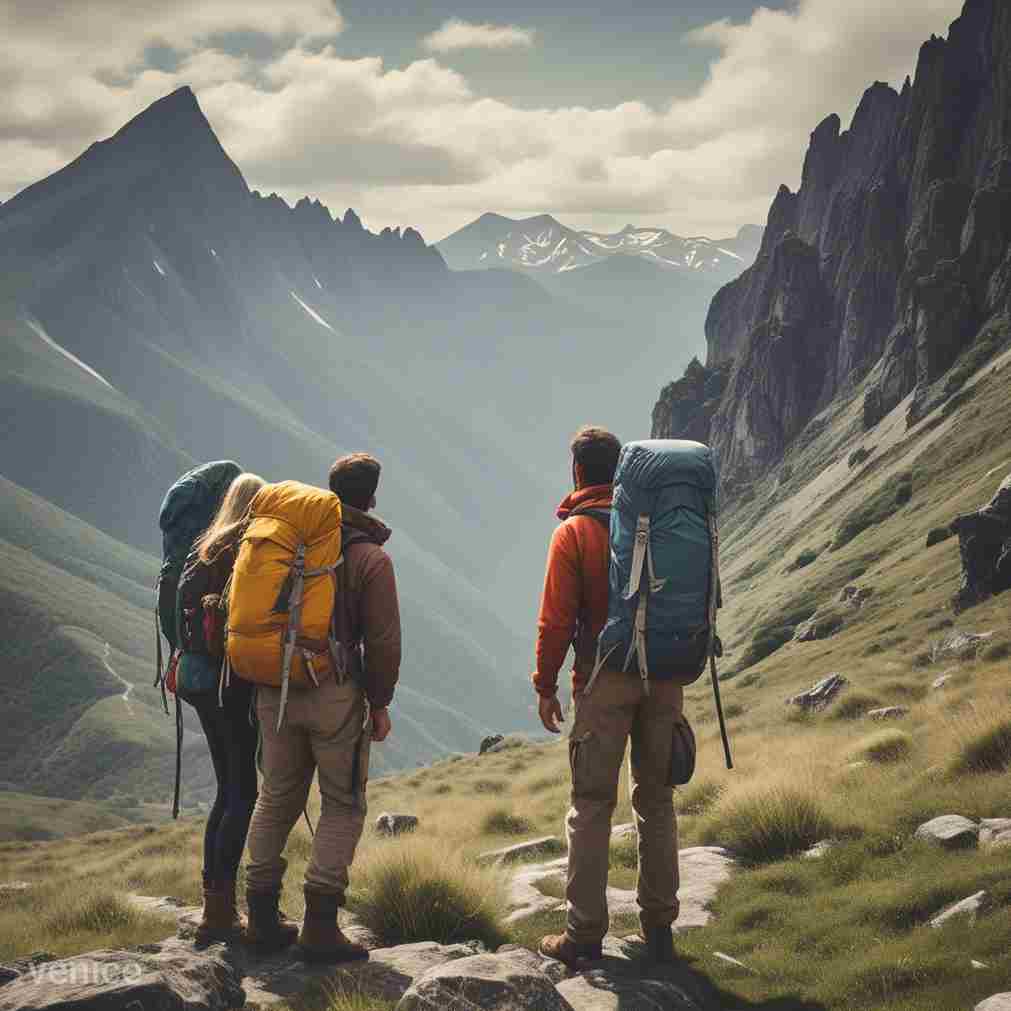
6. Example: How to Create a Thrilling Outdoor Adventure Scene with Venice AI
Step 1: Describe Your Scene
Simply write the following prompt:
“I want to create an image that depicts an outdoor adventure scene. The image should show a group of three explorers (two men and one woman) climbing a rocky mountain on a sunny day. They should have large backpacks, colorful hiking gear, and be gazing at a beautiful valley filled with green trees and a winding river. The sky should feature a few fluffy white clouds and birds flying. The atmosphere should be vibrant and full of energy, symbolizing the thrill of exploration.”
Step 2: Choose Your Visual Style
Directly set your visual preferences:
Style: Realism / Digital Photography
Tones: Natural and vivid colors, with a focus on sunlight
Texture: Realistic details in skin, clothing, and the natural environment
Step 3: Configure Additional Details
Specify the following settings:
Resolution: High, to capture all the details of the scene
Composition: Position the explorers in the foreground and the valley in the background to create depth
Lighting: Simulate sunlight illuminating the mountain and the explorers’ faces
Step 4: Generate and Adjust the Image
Once the image is generated, check if the characters match your desired features and if the scene conveys the sense of adventure.
If needed, you can tweak the clothing of the characters or adjust the landscape to better align with your vision.
Step 5: Save and Share Your Image
When you are satisfied with the result, save the image to your device. If you plan to use it for a project, ensure it’s in the correct format.
Effortless AI-Powered Image Generation
- Generates high-quality images quickly and easily.
- No prior design experience is required to create professional visuals.
- Offers creative freedom by transforming simple ideas into visually appealing images.
- Saves time compared to traditional design processes.
- Utilizes AI to generate images based on textual descriptions or prompts.
- Provides endless customization options, enabling unique visuals for various uses.
- Generates images for a wide range of industries, including marketing, entertainment, and education.
- Improves productivity by automating the image creation process.
- Reduces the need for costly design software and professional designers.
- Supports a variety of image styles, from realistic to artistic and abstract.
- Facilitates rapid iterations of image designs to meet evolving project needs.
- Enables fast prototyping and testing of visual concepts before production.
- Reduces the learning curve for those unfamiliar with graphic design tools.
- Allows seamless integration with other AI-powered tools and platforms.
AI-powered tools for summarizing texts and documents in PDF format have become essential for anyone who needs to quickly grasp the key points of lengthy material. These artificial intelligence tools allow you to automatically generate concise and accurate summaries of books, articles, reports, and more, saving you time and effort in analyzing large documents.
By simply uploading a PDF document, these AI tools use Natural Language Processing (NLP) algorithms to analyze the content, identify the most relevant information, and create a summary that highlights the main ideas and key concepts. This feature is especially useful for students, researchers, professionals, and anyone who deals with vast amounts of information regularly.
In addition to summarization, these AI tools can also assist with keyword extraction, sentiment analysis, and even translation of content. They can process multiple languages, making them perfect for global users. Whether it's summarizing research papers, legal documents, or corporate reports, these AI tools ensure that you don’t miss the essential points, making complex content easier to understand.
With these tools, you can generate summaries in just a few clicks, enabling you to save time and focus on the most important parts of the document. As a result, AI for text summarization is not just a productivity booster; it's an indispensable resource for enhancing knowledge management and decision-making.
These tools are also incredibly user-friendly, offering intuitive interfaces that make document summarization accessible to everyone, regardless of technical expertise. With the growing volume of data, AI summarization tools have proven to be invaluable for handling information overload, increasing efficiency in research, education, and business.

Enhance Your Video Creation with Cutting-Edge Tools
Educational Artificial Intelligence (AI) refers to the use of AI technologies to enhance learning experiences.